Beginner’s Guide to WordPress Theme Builders
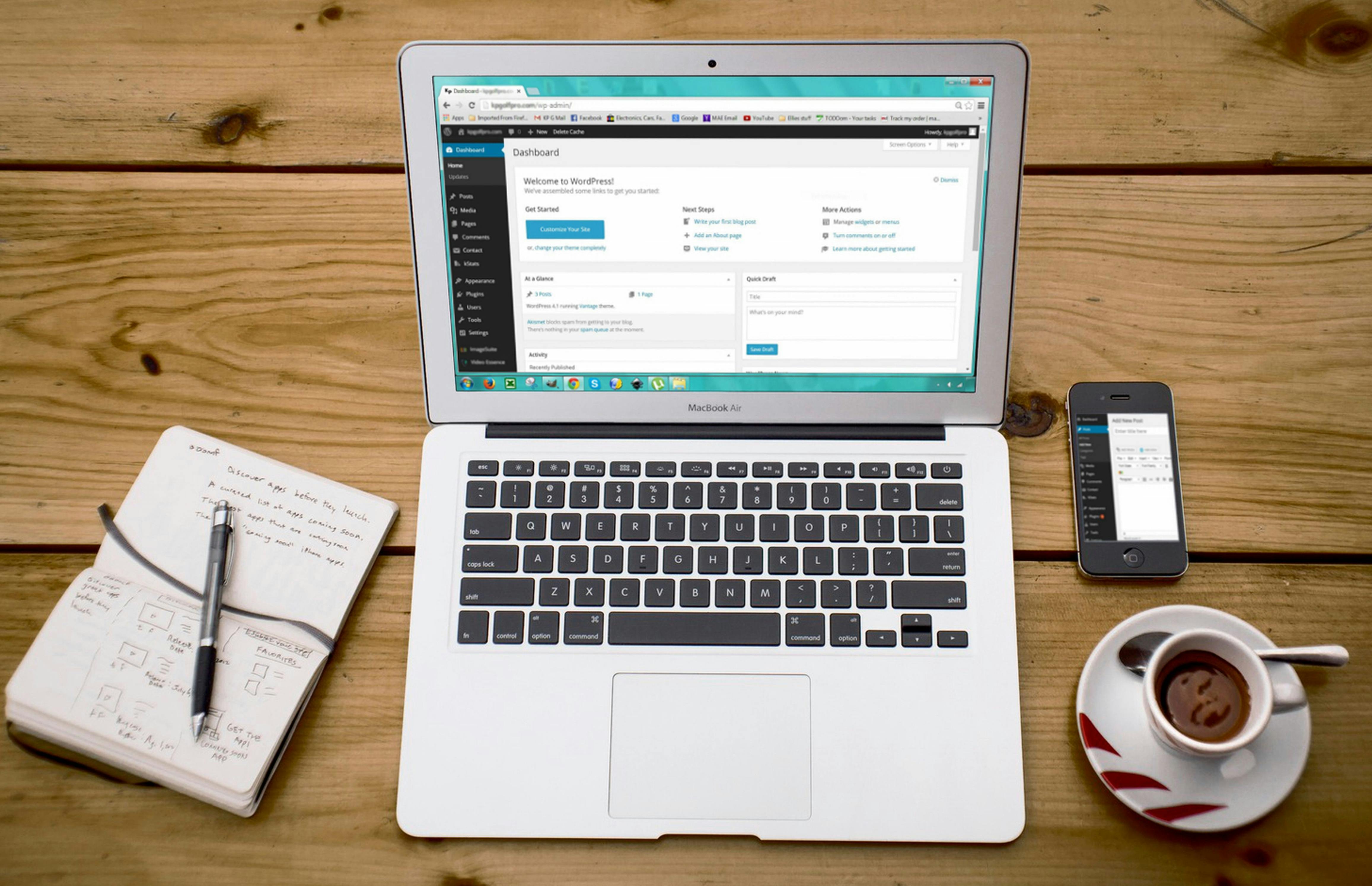
In the past, creating a WordPress site often involved a combination of themes, plugins, and occasionally custom coding. Nowadays, theme builders streamline this process, empowering beginners to visually design websites without needing to write any code.
What is a Theme Builder?
A WordPress theme builder allows you to create your website’s layout and essential components—such as headers, footers, blog posts, and product pages—through a drag-and-drop interface. Unlike conventional themes that come with predetermined templates, theme builders provide you with complete control over the appearance and functionality of your site.
Why Use a Theme Builder?
Visual Editing: Create everything from scratch or modify existing blocks.
No Coding Needed: Ideal for those without development experience.
Responsive Design: Effortlessly design for mobile, tablet, and desktop.
Global Style Settings: Adjust fonts, colors, and layouts site-wide with a single click.
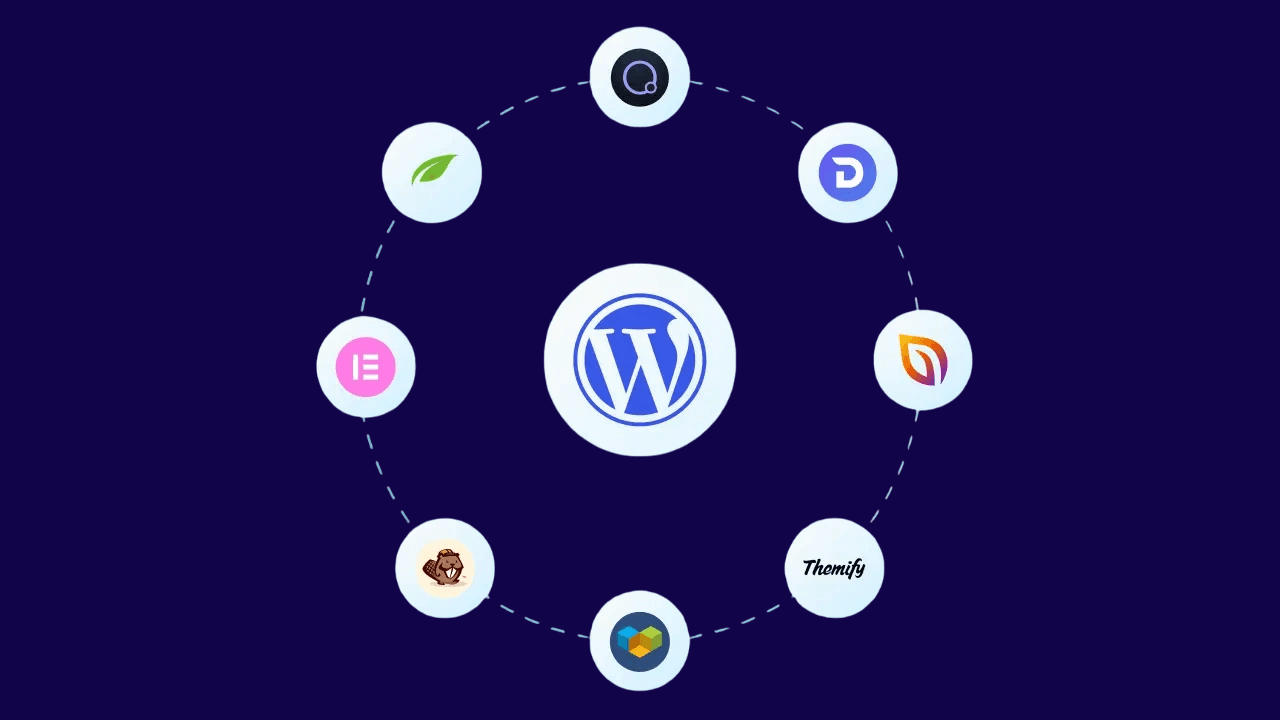
Overview of multiple WordPress theme builders for easy website design
Popular WordPress Theme Builders
Elementor (Free + Pro): User-friendly interface, widely adopted.
Beaver Builder: Lightweight and suitable for beginners.
Divi: Feature-rich, excellent for agencies.
Bricks Builder: Fast, performance-optimized option for modern developers.
How to Get Started:
Install the Builder Plugin: Select your theme builder and install it like any other plugin.
Set a Blank Theme: Utilize a compatible blank or base theme such as Hello Elementor.
Design Core Templates: Develop headers, footers, single post templates, and archives.
Use Global Settings: Ensure consistent styling for fonts, buttons, and colors.
Preview and Publish: Test your site across devices and make it live!
Pro Tips for Beginners:
Begin with a template to understand layout structures.
Save your sections for future use throughout the site.
Keep it simple—over-designing can negatively impact your site’s performance.
Theme builders are ideal for anyone seeking a personalized appearance without the need to hire a developer. With a bit of creativity and the right tools, your ideal WordPress site is just a few clicks away.
More in Web Development